How to Reissue an SSL Certificate and When It’s Required
Reissue of SSL certificate
SSL reissue is the process of generating a new certificate within an active SSL order.
The procedure is free and performed through the client area.
When SSL Reissue Is Required
1. Multi-year SSL certificates
Due to browser and CA requirements:
- a single SSL certificate is valid for up to 1 year;
- if an SSL is purchased for 2–3 years, it must be reissued annually;
- without reissue, the certificate will expire even if the order is still active.
This is a mandatory and standard process.
2. Server or key changes
Reissue is required if:
- the website is moved to another server;
- a new private key is generated;
- a new CSR must be used.
3. Private key compromise
If there is any risk that the private key has been exposed, the certificate must be reissued immediately.
4. Certificate data errors
For example:
- incorrect domain name;
- missing or extra www;
- incorrect organization details (OV / EV).
How to Reissue an SSL Certificate
Step 1. Open the SSL order
1. Log in to your client area.
2. Go to Orders → SSL Certificates.
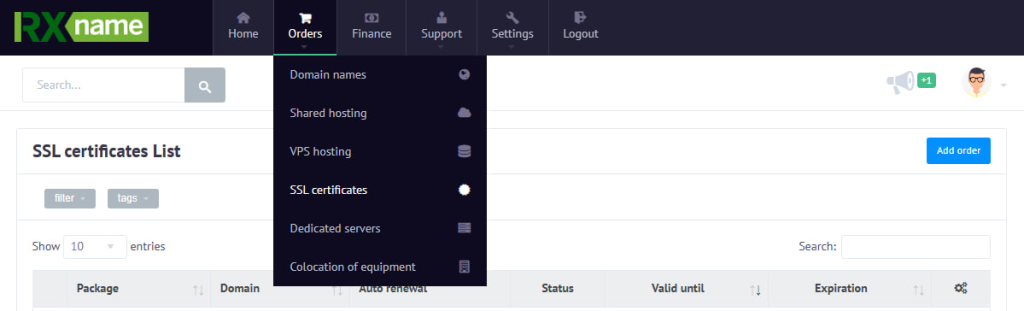
3. Open the required SSL order.
Step 2. Start reissue
1. Click Manage.

2. Select Reissue.
Step 3. CSR
On the reissue page:
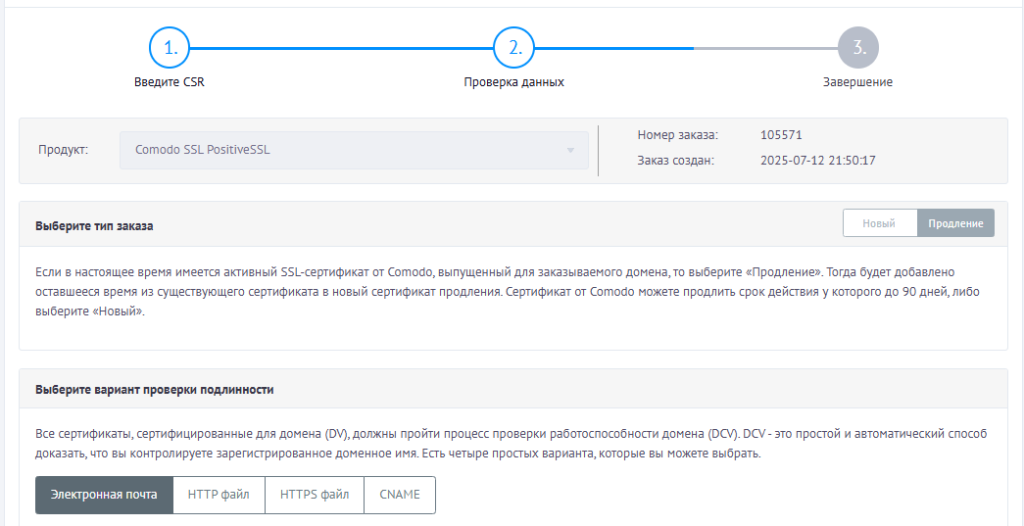
- the previous CSR is automatically pre-filled;
- if needed, you can replace it with a new CSR by pasting it into the field.
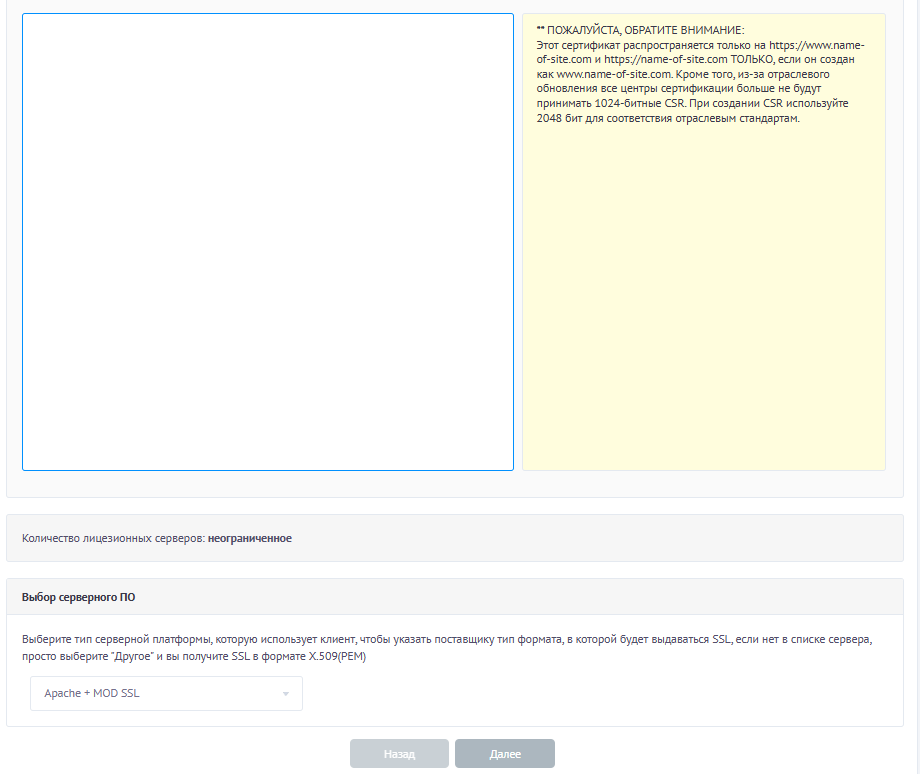
Continue to the next step.
Step 4. Re-verification
After reissue, verification is required again:
- DV — domain validation;
- OV / EV — company validation.
Step 5. Install the new certificate
Once verification is completed:
- download the new SSL certificate;
- install it on your server;
- make sure the updated certificate and chain are in use.
The old certificate becomes invalid after reissue.