How to Manage a VPS via VNC Console
How to manage a VPS via a VNC console in your personal account
1. What is VNC Console
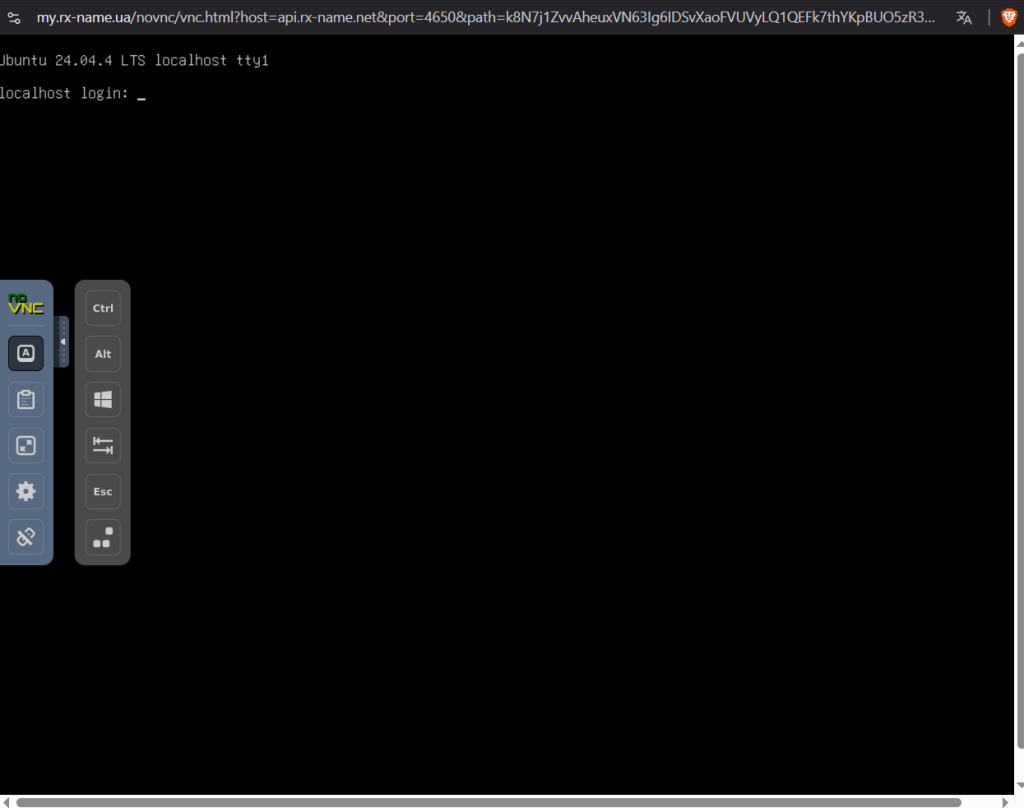
VNC console provides direct remote access to the VPS screen via browser.
Unlike SSH, it works even if:
- network is broken
- SSH is unavailable
- system fails to boot
2. Where to find it
- go to Orders
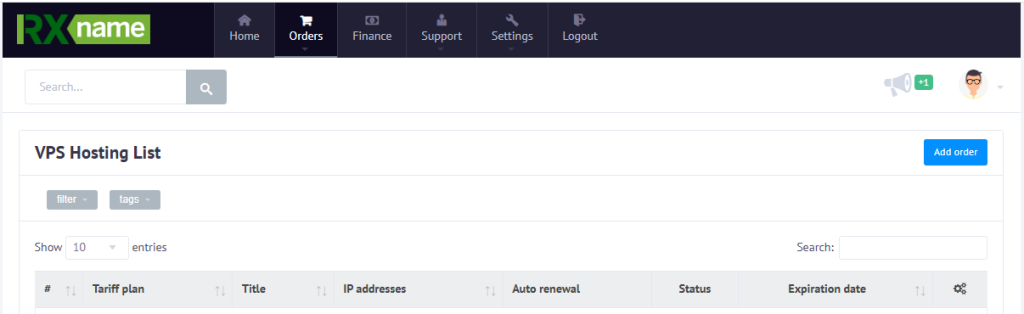
- select VPS
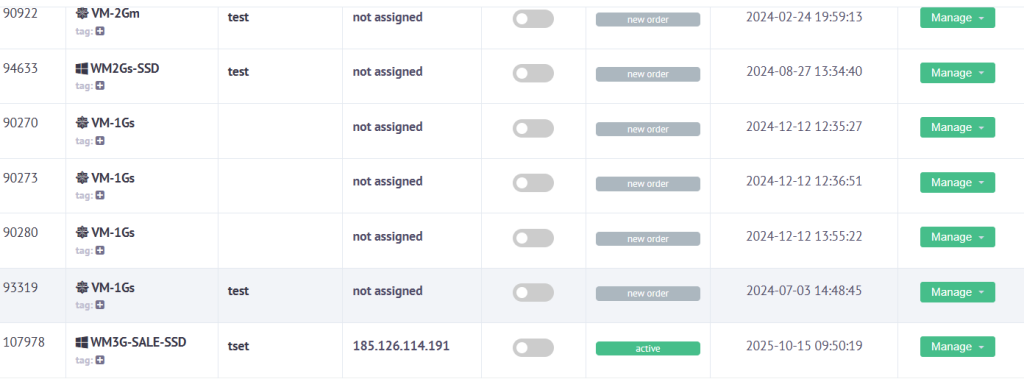
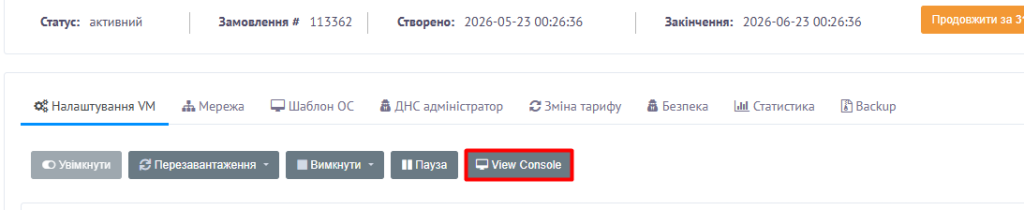
- open the order
- click View console
3. Difference between SSH and VNC
SSH:
- terminal access over network
VNC:
- direct screen access through hypervisor
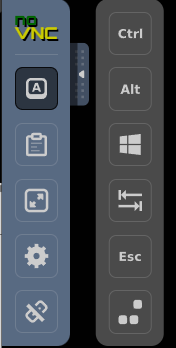
4. Side menu features
The console includes extra buttons:
- Ctrl + Alt + Delete
- fullscreen
- special key combinations
- console reload
Some key combinations are blocked by browsers, so these buttons are needed.
5. Common use cases
- recovery mode
- fixing network issues
- boot diagnostics
- password reset
6. If console does not open
Check:
- popup blocking
- browser
- VPS power status
7. Conclusion
VNC console is useful for emergency access to the VPS and troubleshooting when SSH is unavailable