How to correctly fill in personal details in the control panel
Where to find your profile
- Log in to your account
- Open Settings
- The Profile section opens automatically

Visible by default
Only three fields are shown:
- Full name / company name
- Region / country
- Phone number
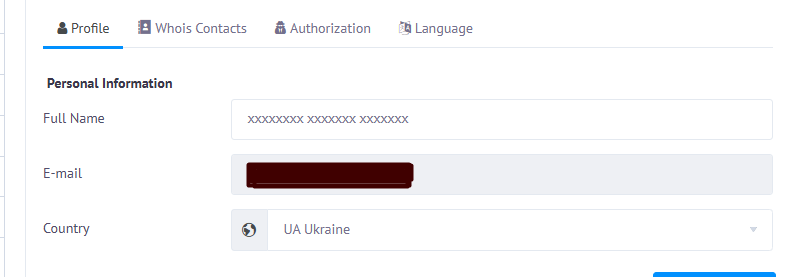
How to show other fields
Click Show more to reveal:
- city
- address
- ZIP / postal code
- additional contact details
These fields must also be completed.
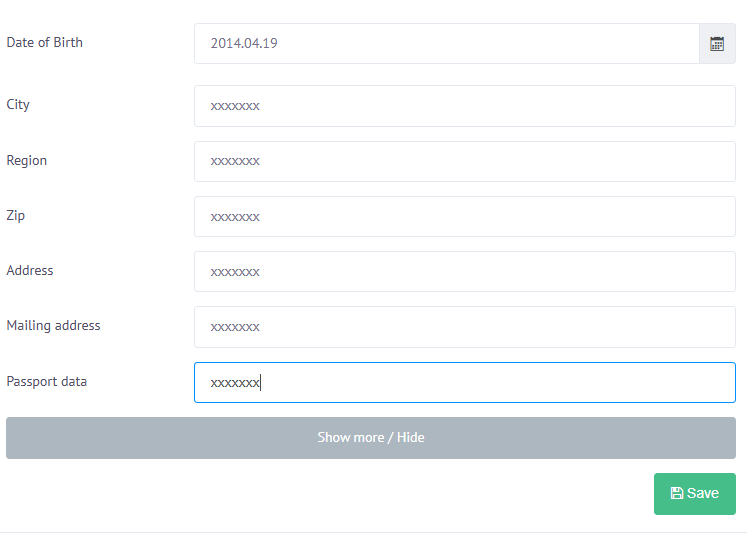
Important
- use Latin or Cyrillic characters only
- no special symbols
- provide real and correct information
❌ Incorrect data may cause:
- account suspension
- domain registration rejection
Optional
- phone verification
- passport
- date of birth
Why this is required
- mandatory for first service activation
- all next services are activated automatically after payment