How to connect to a Dedicated Server via KVM
Connecting to a Dedicated Server via KVM
What is KVM
KVM (Keyboard, Video, Mouse) is a virtual console that allows access to a server at BIOS or OS level, even if the server is unreachable via network.
It is used for:
- remote server management;
- troubleshooting OS boot issues;
- hardware-level access remotely.
How to get access
1. Log in to your control panel.
2. Go to Support.
3. Create a ticket requesting KVM access for your dedicated server.
4. The administrator will send:
- a WinClient link;
- login and password for connection.
5. Download WinClient, run it, and enter the credentials.
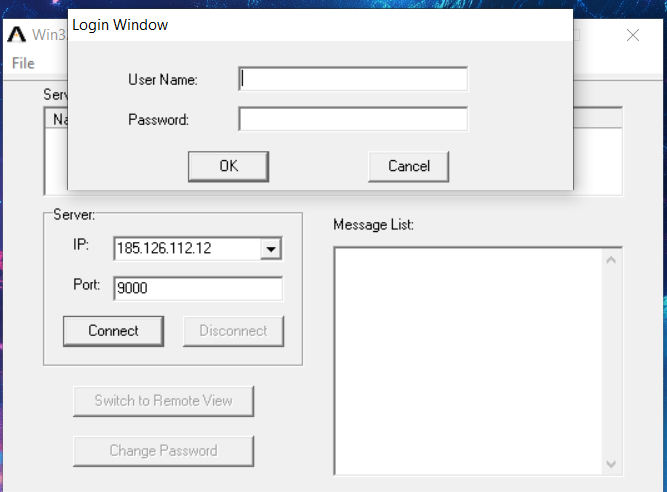
6. Once connected, the server console will open, allowing BIOS or OS-level management as if you were physically at the machine.